Shared Reminders Not Syncing on iPhone? 7 Causes and the Fix for Each (2026)
Shared Reminders not syncing or updating on iPhone? Seven causes, from an unaccepted invite to an Android partner, each matched to the fix Apple documents.
Shared Reminders usually stop syncing for one of seven reasons: the invite was never accepted, one person is signed in to a different Apple Account, Reminders is off in iCloud, the list lives in a non-iCloud account, a device is behind on iOS, iCloud has an outage, or the other person uses Android. Apple's support pages document a fix for each. If you mainly need a reminder to reach the other person, Codot sends it to them directly by voice.
Updated November 2026 · steps checked on November 15, 2026 against Apple's support pages
Codot is our product. Most of this guide is about fixing Apple's own shared lists; the last part covers when a different tool is the better answer.
You add "milk, oat bars, renew Leo's library card" to the family list on your iPhone, and your partner's copy of the same list is still showing last Tuesday. Or it works one way only: you see their changes, they never see yours. Apple Community has thread after thread about it, and most end without a single answer, because there isn't one. There are seven common causes, and each has its own fix.
TL;DR:
- Start with the two causes that account for most "it never showed up" cases: the other person never accepted the invite, or they are signed in to a different Apple Account than the one you invited.
- Then check that Reminders is turned on in iCloud on every device, and that the list was created in iCloud, not a Google or Exchange account.
- A device on old iOS, an iCloud outage, or a partner on Android (Apple shared lists don't reach Android) covers most of the rest.
- If what you need is for one reminder to reach the other person at the right time, a shared list is a roundabout way to do it. In Codot you say "remind Sam at 6 to pick up the cake" and it goes to Sam directly.
At a glance
- Apple says everyone on a shared list "must be signed in to their Apple Account and have Reminders turned on in iCloud settings" (Apple iPhone User Guide).
- People can only add, delete and complete items "After someone accepts your invitation" (Apple Support).
- Apple's sync checklist starts with the iCloud system status page, the latest iOS, and "the same Apple Account on all of your devices" (Apple Support).
- Sharing and assigning need "updated reminders in iCloud"; "Some features aren't available when using other accounts" (Apple iPhone User Guide).
- Codot: adding a friend and assigning them a task is free; timed and repeating reminders are Codot Max, $12.99/month or $99.99/year on the US App Store, with a 7-day free trial (App Store).
Why are my shared reminders not syncing?
In most cases one of the people on the list isn't connected to it the way Apple requires: the invite is still pending, the wrong Apple Account is signed in, or iCloud Reminders is off on one device. Work through the seven causes below in order; the first four are quick to check and fix the large majority of cases. Check after each step, as Apple's own sync guide advises.
If your problem is not shared lists but alerts that never fire on your own phone, that is a different set of causes; see iPhone reminders not working.
1. Why doesn't the shared list show up on their iPhone at all?
Because the invitation hasn't been accepted. Apple's page is explicit that people get access "After someone accepts your invitation", and until then they see nothing, not even the list name (Apple Support).
Fix: ask them to open the invite in Messages or Mail, whichever you sent it with, and accept it. If it's lost, open the list, tap the share button, and send a fresh invitation. Apple notes that when you send the invite through Messages, you also get activity updates in that conversation, which is a quick way to confirm the other person is really connected.
2. Why do I see their changes but they never see mine?
The most common reason is that the invite went to one Apple Account and their iPhone is signed in to another, for example an old work address or a second account set up years ago. Apple's sync checklist asks you to make sure you "signed in to iCloud with the same Apple Account on all of your devices" (Apple Support).
Fix: on their iPhone, open Settings and tap their name to see which Apple Account is signed in. If it isn't the address you invited, remove them from the list and invite the address their phone actually uses. One-way sync is a long-running complaint in Apple Community threads such as Shared Reminders work in one direction only, and the account mismatch is the first thing to rule out.
3. Why did the list stop updating on just one device?
Usually because Reminders was switched off in that device's iCloud settings, sometimes after an iOS update, a new phone, or a battery-saving cleanup. Apple requires every participant to "have Reminders turned on in iCloud settings" (Apple iPhone User Guide).
Fix: Settings → your name → iCloud → make sure Reminders is on. Then do Apple's restart step: close Reminders, return to the Home Screen, "Wait about one minute, then open the app again" (Apple Support). Also check that the date and time on the device are correct for your location; Apple lists that in the same checklist.
4. Why can't I share or assign anything in this list?
Because the list probably isn't in iCloud. If your Reminders app has a Google, Exchange or other account added, a list can be created there, and Apple warns that "Some features aren't available when using other accounts" (Apple iPhone User Guide). Sharing with iCloud collaborators is one of them.
Fix: create a new list under iCloud and move the items into it. Apple also lets you make iCloud the default account, but warns that doing so "won't move your existing information from a third-party service to iCloud" (Apple Support), so the old items have to be moved by hand.
Your ideas shouldn't wait for a keyboard. Just say it — Codot handles the rest.
5. Why did syncing break after one of us updated?
Because the two devices may be on different iOS versions. Apple's own page says shared lists created in iOS 13 or later need everyone invited to be on iOS 13 or later too (Apple Support), and its sync checklist starts with installing the latest iOS on every iPhone and iPad.
Fix: update every phone, iPad and Mac that uses the list, including the old iPad in the kitchen drawer that still has the list open.
6. Why did everything stop syncing at the same time?
If every list stopped at once for everyone, check Apple's iCloud system status page before changing any settings. Apple puts this first in its checklist: "Check the system status of iCloud Contacts, Calendars or Reminders for service outages" (Apple Support). If there's an outage, wait; turning things off and on during one only adds confusion.
7. Why can't my partner on Android see our shared Reminders list?
Because Apple's shared lists need an Apple Account on an Apple device; there's no Reminders app for Android. Apple describes sharing as collaborating "with people who use iCloud" (Apple iPhone User Guide).
Fix: use something both phones can open. A calendar invite reaches any calendar app, which makes it the safest route for appointments, and our family calendar guide shows how to set one up per person. For groceries, our voice shopping list app comparison covers lists that work on both platforms.
Read more: Best New AI Family Organizer App for Moms (2026): Cozi, TimeTree, Google, AnyList and Codot Compared
Still not syncing? The last-resort steps
When all seven checks pass and one list is still stuck, Apple Community threads suggest two things worth trying, with the caveat that neither is an official Apple fix. First, sign out of iCloud on the device that is behind and sign back in, a step iPhone Life also lists. Second, create a fresh shared list and move items in small batches, which shows whether one item in the old list is the problem; users in threads like Shared Reminder List Not Updating report mixed results with re-sharing. If neither works, contact Apple Support; several community threads were closed without a fix, so expect some trial and error.
What is the best shared reminders app if Apple's list keeps failing?
Use Codot when what you actually need is for a specific reminder to reach a specific person at a specific time, and you're tired of checking whether a shared list caught up. Codot is a voice-first AI assistant: you add the other person as a friend once, then say the reminder out loud and it goes to their Codot list.
Here's how that looks for Priya and Sam, siblings we made up, who share the job of looking after their dad.
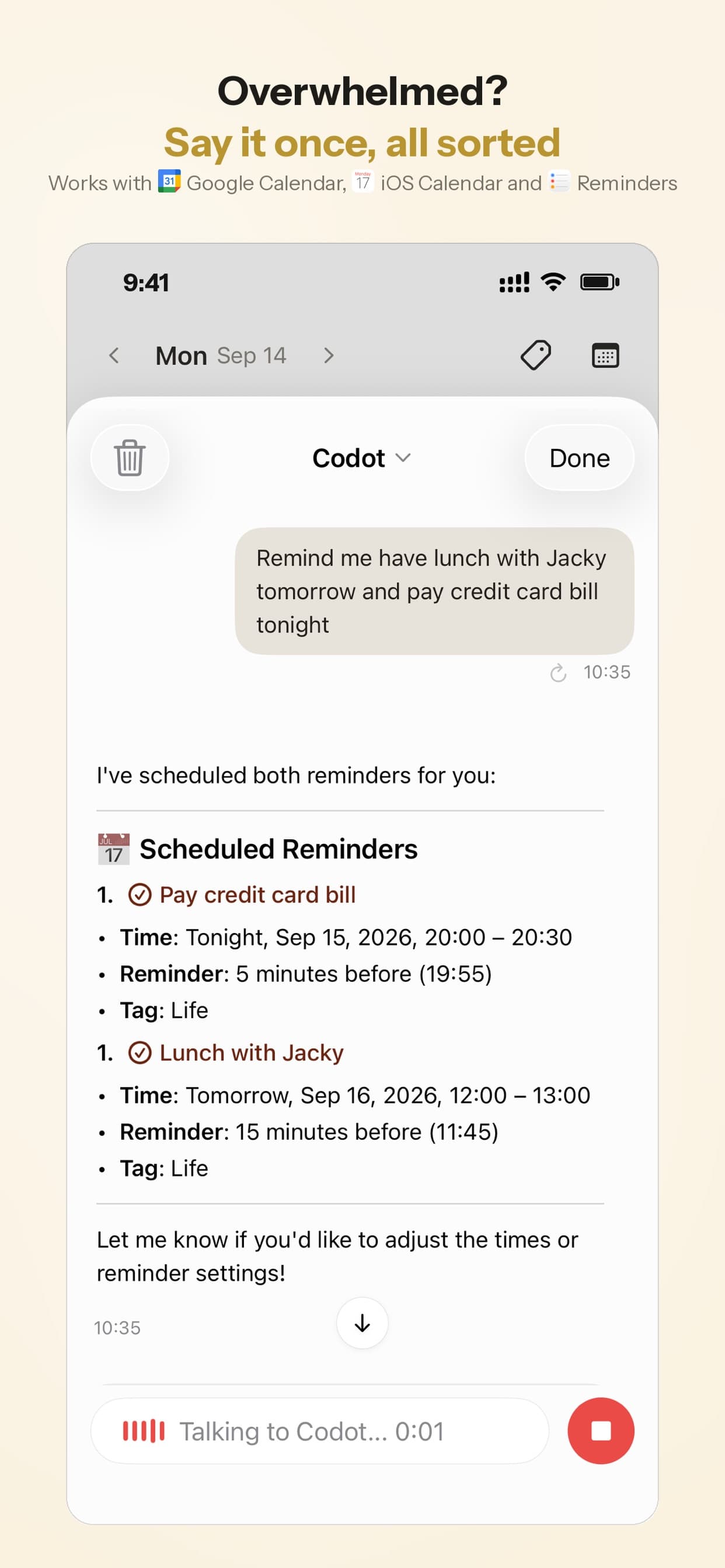
Thursday, 7:40 pm, in the car park after work. Priya, still with her bag over her shoulder, says: "Remind Sam Saturday at 9 to drop Dad's prescription at the pharmacy, move my dentist to Wednesday at 4, and add book the boiler service before the 30th." Codot keeps tasks, calendar, reminders and notes in one place, so it splits that one sentence into three things: a reminder sent to Sam, her own appointment moved, and a new task for her. She taps Confirm once on the share card for Sam's reminder.
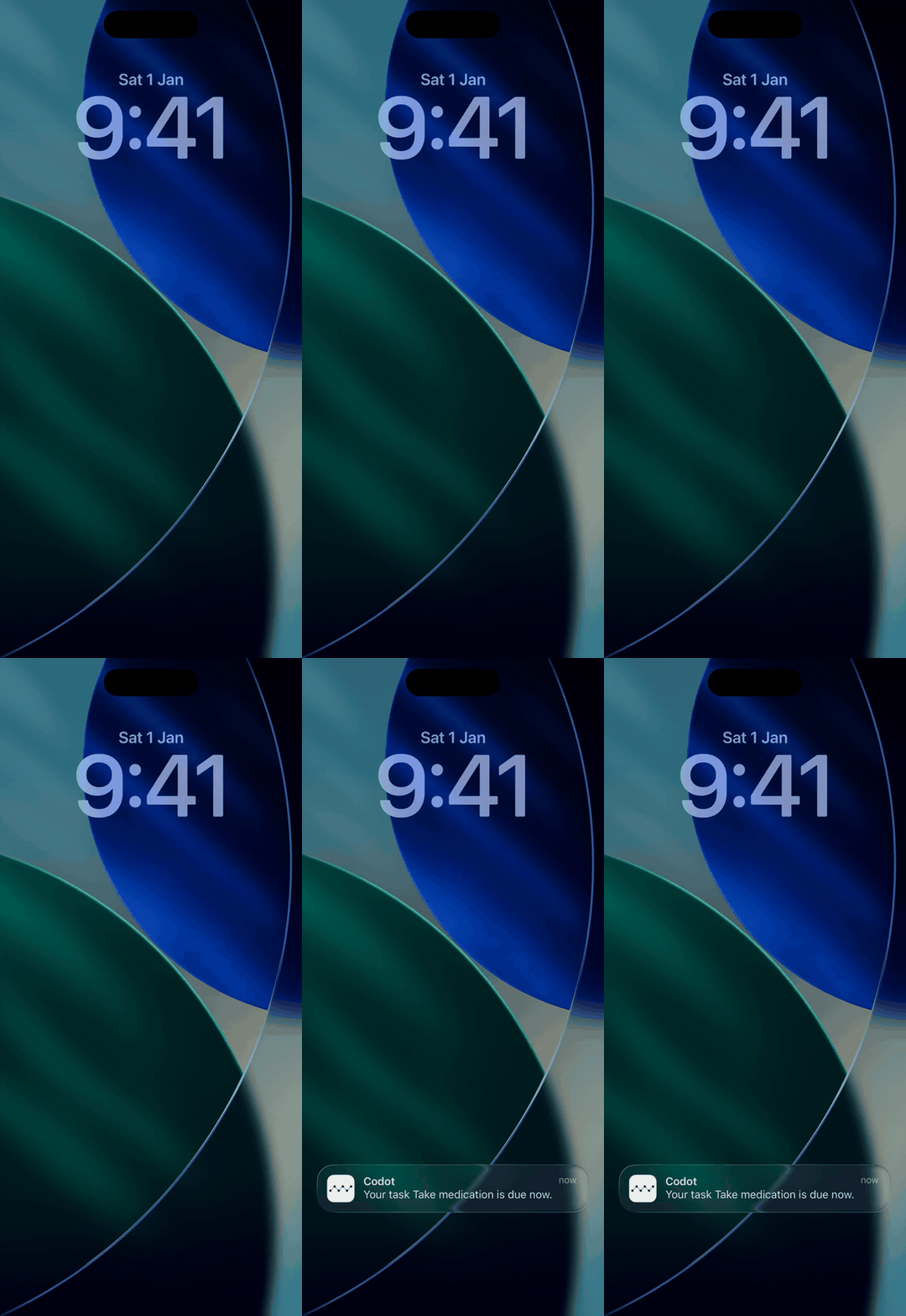
Saturday, 9:00. The reminder fires on Sam's phone. There's no list to open and nothing to sync; it's his reminder now. If he dismisses it, Codot doesn't send it again, so Priya picked 9:00, when he's usually home.
Every Sunday at 6 pm (Codot Max). Priya sets one Routine: "Every Sunday at 6, list what Sam and I have for Dad this week." A Routine can list your own tasks and the ones you've handed to a friend in the same message, which replaces the "did your list update?" check. Repeating reminders work the same way: "every other Friday at 5, remind Sam to call Dad" goes to Sam every time it comes round, not only the next one.
Adding a friend and assigning tasks are free. Reminders that fire at a set time, repeating reminders and Routines are part of Codot Max ($12.99/month or $99.99/year on the US App Store); new accounts get a 7-day Codot Max trial and go back to the free plan afterwards without being charged.
If you still want everything in Apple's Reminders app too, Codot can write its tasks into Apple Reminders and Apple Calendar on your iPhone. That copy goes one way: ticking an item off in Apple Reminders doesn't mark it done in Codot, so pick one app to tick things off in.
For the bigger picture of who does what at home, our mental load app for couples guide has a copyable list of the jobs worth sharing, and chore app for couples shows the split-by-voice version. Looking after a parent from a distance, as Priya and Sam are, is covered step by step in reminder app for elderly parents, and medication timing in medication reminder for ADHD.
Which fix should I try first?
Go by the symptom:
- The list doesn't appear for them at all: the invite isn't accepted (cause 1).
- It syncs one way only: wrong Apple Account on their phone (cause 2).
- One device fell behind: iCloud Reminders switched off, or wrong date and time (cause 3).
- You can't share or assign: the list isn't in iCloud (cause 4).
- It broke after an update: mismatched iOS versions (cause 5).
- Everything stopped at once: iCloud status page (cause 6).
- They're on Android: use a calendar invite or a cross-platform app (cause 7).
- You keep re-checking whether a list updated, when what you need is one reminder reaching one person on time: Codot.
Apple's shared lists are free and work well for a household grocery list once everyone is connected. Codot is the better fit for time-bound hand-offs between two people, and the two can live side by side. If you mostly need your own reminders on screen, see how to put a to-do list on your iPhone Lock Screen and our roundup of the best free reminder app for iPhone.
FAQ
Why are my shared reminders not updating on my husband's iPhone?
Most often his iPhone is signed in to a different Apple Account than the one you invited, or iCloud Reminders is off on his phone. Apple requires everyone on a shared list to be signed in to their Apple Account with Reminders turned on in iCloud.
How do I force shared Reminders to sync?
Close the Reminders app, wait about a minute and reopen it, as Apple's sync guide suggests. If that doesn't help, check iCloud Reminders is on, update iOS, and as a last resort sign out of iCloud and back in on the device that is behind.
Can I share an Apple Reminders list with someone on Android?
No. Apple's shared Reminders lists work between people who use iCloud on Apple devices. For an Android partner, use a calendar invite or an app available on both platforms.
Is there a shared reminders app that doesn't need a shared list?
Yes. In Codot you add the other person as a friend and say the reminder, such as "remind Sam Saturday at 9 to drop off the prescription", and it goes to Sam's Codot list and fires on his phone. Adding friends and assigning tasks are free; timed and repeating reminders need Codot Max at $12.99/month.
Will a shared reminder keep alerting them until they do it?
Not in Codot: each reminder is sent once at the set time, and a dismissed reminder isn't sent again. Choose a time when the person can act on it, such as 9:00 on a Saturday rather than during the school run.
If you'd rather say the reminder than check whether a list caught up, download Codot on the App Store.
Productivity & Tools Desk
This article was created with AI assistance and reviewed by our editorial team.Learn about our content process.