Mobile Mechanic App for a One-Person Van (2026): Keep the Parts Run and the Next Visit Straight by Voice
A solo mobile mechanic's parts run: save the return visit from the driveway, get tomorrow's parts list before the counter closes, move jobs when a part is late.
A solo mobile mechanic can keep the parts run and the next visit straight by saying each diagnosis as one sentence from the driveway: parts, quote and return time. Codot, a voice AI assistant for iPhone, saves the return job and a note on the customer's contact for free, and can send a daily parts list and back-order reminders on Codot Max ($12.99 a month). Jobber and Orderry add invoicing and customer texts.
Disclosure: Codot is our product. The mechanic and customers below are fictional, written to show one ordinary week of parts runs between driveways. Codot prices are from codot.ai; Jobber, Orderry and Mobile Mechanic Hub details are from their own pricing or App Store pages, checked November 4, 2026.
TL;DR:
- For a one-person mobile mechanic, the expensive mistakes happen between driveways: a part you meant to pick up, a return visit you promised out loud, a customer who never called back about the extra repair.
- Say the diagnosis as one sentence before you close the hood: parts, quote, return day and time. Codot saves the return job and puts the parts and quote on the customer's contact, on the free plan.
- One afternoon routine lists tomorrow's stops with addresses and the parts to grab before the parts counter closes. A timed reminder checks on a back-ordered part. Both are Codot Max.
- When a part is late, one sentence moves the job and the rest of the week stays put.
- Jobber, Orderry and Mobile Mechanic Hub handle invoices, payments and customer texts. Codot doesn't. It's the assistant you talk to with your hands in an engine bay.
At a glance
- Jobber lists Core for 1 user at $49 a month with no commitment ($29 a month billed annually), with online booking; automated client reminders start on Connect at $139 a month for 1 user, and two-way SMS on Grow (Jobber pricing).
- Orderry lists Hobby at $39 a month for 2 employees with scheduling and basic inventory, and Startup from $69 a month with SMS (Orderry pricing).
- Mobile Mechanic Hub is a free App Store app "Designed for iPad" that lists estimates, invoices, scheduling, payments and automated texts (App Store listing).
- Codot: voice input, tasks, calendar, notes and contacts with notes are free. Timed and repeating reminders, the daily briefing and scheduled automations are Codot Max at $12.99 a month or $99.99 a year (20x the free plan's usage), with a 7-day free Max trial (codot.ai).
Why do parts and return visits slip for a mobile mechanic?
They slip because the diagnosis happens in a driveway and the parts run happens three stops later. Marcus Hale works alone out of a Ford Transit in Columbus, Ohio: brakes, starters, alternators, no-starts, pre-purchase inspections. He doesn't have a shop, a front desk or a parts guy. His office is the passenger seat.
A typical slip looks like this. On Tuesday morning he finds a bad wheel bearing on a customer's Escape, quotes it, and says he'll be back Thursday. By Tuesday afternoon he's done two more stops, the bearing is written on the back of a gas receipt somewhere in the door pocket, and the parts counter he uses stops pulling will-call orders at 5:00. Thursday at 10 he's in the customer's driveway without the part.
Most mobile mechanic software solves the paperwork end: estimates, invoices, taking the card. The step it doesn't cover is the 15 seconds in the driveway after "I'll be back Thursday," when your hands are greasy and the next stop is 20 minutes away. That step has to be done by voice, right then.
Tuesday 9:40, in a customer's driveway: how do you save the return visit before you leave?
Say the whole return job as one sentence before you close the hood. Marcus finishes the diagnosis on Karen Whitfield's 2017 Ford Escape, tells her the price, and says to Codot:
"Karen Whitfield, 2017 Escape, 418 Mohawk Street: front left wheel bearing hub assembly, quoted 410 parts and labor. Back Thursday at 10 to do it."
Codot saves a job for Thursday at 10:00 with the address, the part and the quote, and adds a note to Karen's contact with the car, the diagnosis and the price. Both are on the free plan. Codot also writes the job into Google Calendar or Apple Calendar, so Thursday shows the stop in the calendar app Marcus already checks.
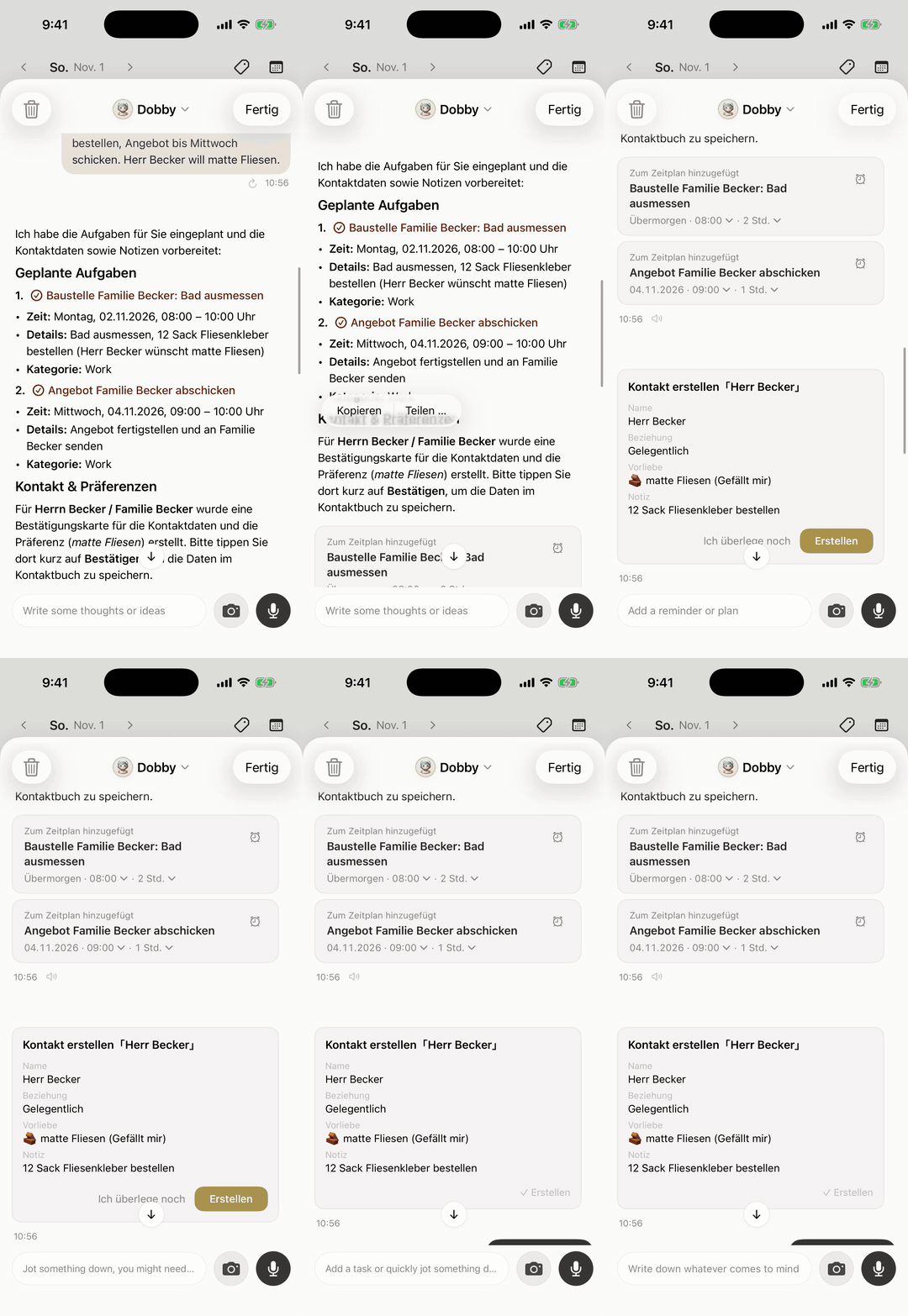
The order matters more than the wording: who, which car, where, what part, how much, when you're coming back. The address is what makes tomorrow's list usable from the van, and the part name is what makes it a parts list. If you leave the quote out, it won't be there when Karen asks on Thursday what you said.
Tuesday 11:30: how do you follow up when a customer hasn't approved the extra repair?
Write down what you found and set a callback reminder before you pull away. At his second stop Tuesday, a brake job on Luis Ortega's Silverado, Marcus finds the rear brake hose cracked. Luis is at work and doesn't pick up. Marcus says:
"Luis Ortega's Silverado: rear brake hose cracked, quoted 140 extra. Left a voicemail. Remind me at 2 to call him back."
Codot adds the finding, the quote and "voicemail left" to Luis's contact and sets a reminder for 2:00. At 2:00 Marcus calls, Luis says yes, and Marcus tells Codot "Luis approved the rear hose, total 140. Back Thursday at 1:30 to put it on." That return visit goes onto the same afternoon parts list as everything else.
Codot doesn't text Luis or collect the approval for you; it reminds you, not him. The reminder is what gets you an answer while you can still add the part to tomorrow's pickup. If a customer would rather have the quote in writing, Codot can send an email for you.
3:30 every afternoon: how do you get tomorrow's parts list before the counter closes?
Set one afternoon routine that lists tomorrow's stops and the parts each one needs, early enough to make the pickup. Marcus set it once, by voice:
"Every weekday at 3:30, list tomorrow's jobs in time order with the address, the car and the parts I need to pick up before the parts store closes at 5."
Scheduled automations are a Codot Max feature. On Wednesday at 3:30 the list reads: Thursday 8:00, brake pads and rotors on a Malibu in Westerville; 10:00, Karen's Escape on Mohawk Street, wheel bearing hub; 1:30, Luis's Silverado, rear brake hose; 3:30, a no-start Civic in Hilliard, battery test first, possibly a starter. Marcus calls the counter from the van, puts the pads, rotors, hose and hub on will-call, and swings by on his way home.
Codot doesn't look up part numbers, check stock or place the order, and it doesn't plan the route. What it does is put the right list in front of you at 3:30 instead of at 7:00 the next morning, when the counter isn't open yet and the first stop is in an hour.
Wednesday 4:10: what do you do when the part is on back order?
Set a timed reminder to check on it, at the moment the counter tells you. When Marcus calls, the Escape's hub is out locally and due from the warehouse "tomorrow morning, probably." He says to Codot:
"Remind me tomorrow at 7:15 to call the parts store and check if Karen's wheel bearing hub came in."
Timed reminders are Codot Max. At 7:15 on Thursday the reminder shows up on his lock screen while he's loading the van, early enough that if the part isn't there he can still tell Karen before 10.

One thing to know: Codot shows each reminder once. If you swipe it away while backing out of the driveway, it won't come back. So set the reminder for a time you'll actually look, like while the van warms up, rather than a time you'll be driving.
Your ideas shouldn't wait for a keyboard. Just say it — Codot handles the rest.
Try Codot — It's Free →Thursday 7:20: how do you reschedule by voice when a part is late?
Move the job with one sentence and let Codot keep the rest of the day as it was. At 7:15 the reminder fires; at 7:20 the counter says the hub is on the afternoon truck. Marcus calls Karen, she says Friday morning works, and he says:
"Move Karen's Escape job to Friday at 9, same address, same part. Keep the rest of today the same."
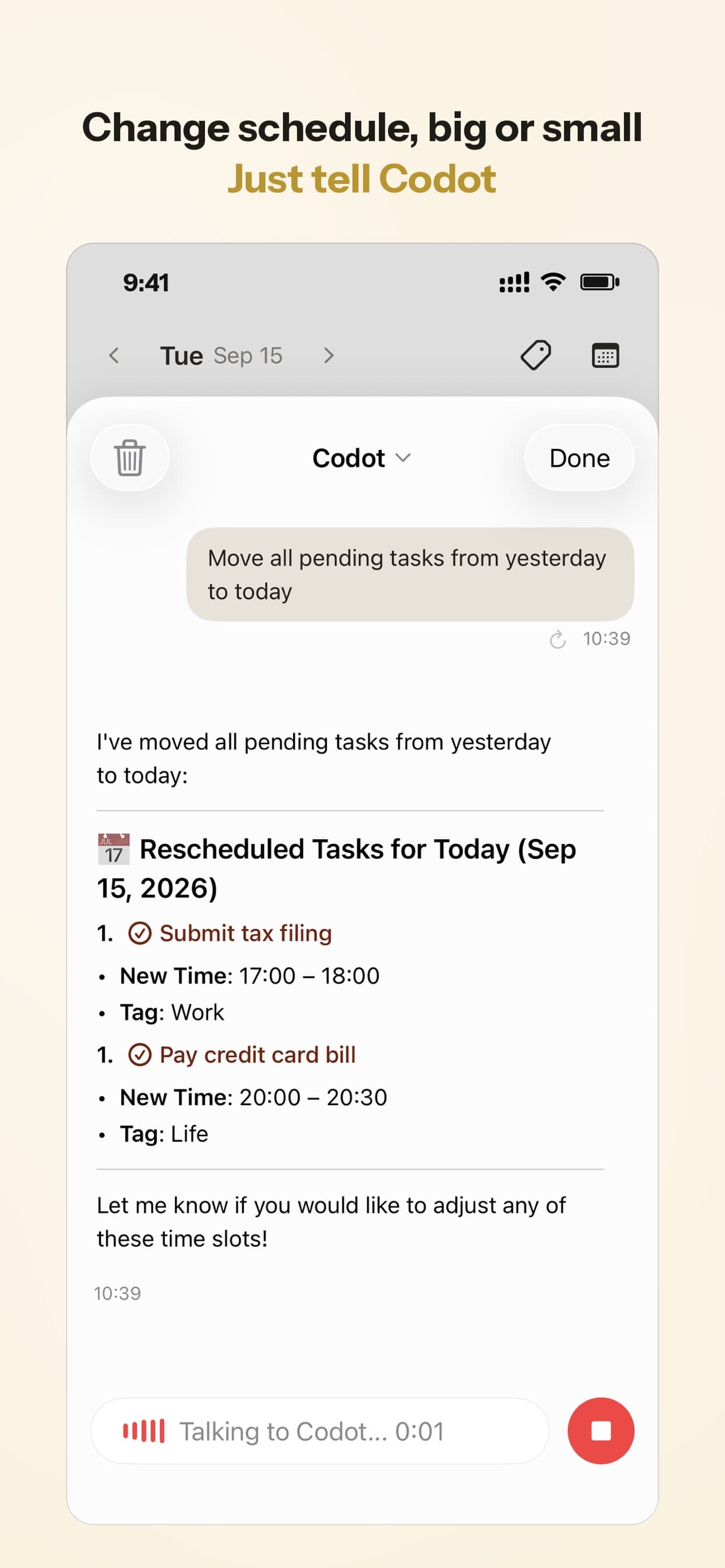
Codot moves the job and its calendar entry, and the rest of Thursday stays as it was. At 3:30 that afternoon, Friday's parts list already shows Karen's hub at 9:00.
This only works on jobs you've told Codot about. It doesn't read appointments added to your calendar from other apps, so the habit that makes it reliable is saving every return visit by voice from the driveway.
What does the end of the week look like when every visit was saved by voice?
It looks like a short list you can check in two minutes. On Friday afternoon Marcus asks:
"Which jobs did I finish this week, and which customers am I still waiting on to approve something?"
Codot answers from what he said in each job and on each contact: the Malibu, Luis's hose, the Civic that turned out to be a starter, and Karen's Escape, done Friday morning once the hub came in. It also lists a Monday customer who was quoted a timing cover gasket and hasn't decided, which becomes one call on Friday instead of a job forgotten for three weeks.
Before he drives off from any job, Marcus also sets the next visit for the customer: "Remind me in 4 months to check in with Karen about her rear brakes." The note on the contact is free; a reminder months out is Codot Max.
Is Codot a mobile mechanic app?
Codot is a voice AI personal assistant, not mobile mechanic software, and for one person in a van it often covers the step that slips. You say the diagnosis and the return visit, it saves the job and the customer; you ask what's tomorrow and what to pick up, and it answers from what you've told it. Codot has been running for almost two years, and more people use it every month.
How we'd pick, based on where your week actually breaks:
- If return visits and parts get lost between driveways, start with Codot. Saving the job takes one sentence, and the free plan covers jobs, calendar entries and customer contacts with notes. The parts list and back-order reminders are Codot Max.
- If you need estimates, invoices, card payments and appointment texts, look at Jobber, whose Core plan for one user is $49 a month, or Orderry from $39 a month. They are built around the paperwork side of the job.
- If you want a free app for that paperwork and work from an iPad, Mobile Mechanic Hub lists estimates, invoices, scheduling and payments at no charge.
Plenty of solo mechanics use both: a field service app for the invoice and the card swipe, Codot for the sentences you say between stops. For more on running a one-person trade, see contractor scheduling apps compared, our handyman weekly system and apps for tradies: job software for the office, a voice assistant for the site.
How do you set it up before tomorrow's first stop?
- Install Codot on your iPhone from the App Store and connect Google Calendar or Apple Calendar so return visits show up where you already look.
- Save your next three return visits by voice in the same order: customer, car, address, part, quote, day and time.
- Set the parts list: "Every weekday at 3:30, list tomorrow's jobs in time order with the address, the car and the parts I need to pick up." Change 3:30 to an hour before your parts counter's cutoff.
- Whenever a customer doesn't answer about extra work, set a callback reminder before you leave the driveway.
New accounts get 7 days of Codot Max free, enough to run a full week of parts lists and reminders. When the trial ends you go back to the free plan without being charged.
What Codot doesn't do for a mobile mechanic
Codot doesn't plan or optimize routes, look up or order parts, give labor times, write invoices, take payments or text your customers; field service apps like Jobber, Orderry and Mobile Mechanic Hub list those features. It doesn't read appointments already in your calendar from other tools, and an unanswered reminder isn't sent a second time.
On the free plan you keep jobs, calendar entries, customer contacts with notes and voice input. Timed and repeating reminders, the daily briefing and scheduled automations like the 3:30 parts list need Codot Max: $12.99 a month or $99.99 a year, with 20x the free plan's usage. The daily briefing is iPhone only.
FAQ
What is the best app for a solo mobile mechanic?
For saving return visits and parts by voice from the driveway, Codot does it on the free plan, with the daily parts list and back-order reminders on Codot Max ($12.99 a month). For invoices, payments and customer texts, Jobber starts at $49 a month for one user and Orderry at $39 a month, as of November 2026.
Is there a free mobile mechanic app?
Codot's free plan saves jobs, calendar entries and customer contacts with notes by voice, without invoicing. Mobile Mechanic Hub is listed as free on the App Store with estimates, invoices and scheduling, and is designed for iPad.
How do mobile mechanics keep track of which parts to pick up?
Make a parts list from tomorrow's jobs every afternoon, before the parts counter's cutoff. In Codot, a Codot Max scheduled automation sends that list at the time you choose, such as 3:30 on weekdays, built from the part you said in each job.
Can Codot reschedule a job when a part is late?
Yes. Say something like "move Karen's job to Friday at 9, same address, same part," and Codot moves that job and its calendar entry without touching the rest of the day. Moving jobs by voice works on the free plan.
Does Codot order parts or text my customers?
No. Codot doesn't look up or order parts, and it reminds you rather than your customers. It can send email, but not text messages; for automated customer texts, use field service software like Jobber.
If you'd like "back Thursday at 10" to show up on Wednesday's parts list instead of on a gas receipt, get Codot on the App Store.
Founders & Professionals Desk
This article was created with AI assistance and reviewed by our editorial team.Learn about our content process.