Meeting Minutes App for a New Town Council Member (2026): Notes, Follow-Ups and Grant Deadlines by Voice
A meeting minutes app for a new council member: speak a summary after each meeting, track staff follow-ups and grant deadlines, vs Otter, Fireflies and Teams.
A newly elected council member can keep personal meeting notes by speaking a two-minute summary right after each meeting. Codot, a voice AI assistant for iPhone, turns that summary into a structured note with decisions and action items and saves follow-ups on each department head's contact for free. Timed reminders and a weekly open-items list are Codot Max ($12.99 a month). Use Codot when the promises made in a meeting need tracking until they're done; the clerk's minutes stay the official record.
Disclosure: Codot is our product. The council member, town and staff below are fictional, written to show one real month of follow-up after council meetings. Codot prices are from codot.ai; Otter, Fireflies and Microsoft Teams details are from their own pages, checked November 5, 2026.
TL;DR:
- A new council member leaves every meeting with a handful of promises, and the clerk's official minutes won't list most of them.
- Speak a two-minute summary in the parking lot. Codot turns it into a note with decisions and action items, plus a dated task for each follow-up.
- Put each promise on the person who made it, such as the cost figure the public works director owes (free).
- Deadlines and the weekly sweep are Codot Max: a grant reminder two weeks and two days out, and a Friday 3:00 list of everything still open.
- Otter, Fireflies and Teams recap record and transcribe. Codot is the follow-up layer after the meeting.
At a glance
- Official minutes are the clerk's job, set by state law. In Texas, for example, a governmental body "shall prepare and keep minutes or make a recording of each open meeting," and those minutes and recordings "are public records" (Tex. Gov't Code §551.021 and §551.022).
- Otter has a free Basic plan with 300 transcription minutes per user a month and a 30-minute limit per conversation; Pro lists $16.99 per user a month, or $8.33 a month billed annually, as of November 2026 (Otter pricing).
- Fireflies has a free plan with 400 minutes of storage; Pro lists $18 per seat a month, or $10 billed annually, as of November 2026 (Fireflies pricing).
- Microsoft Teams intelligent recap needs a Teams Premium or Microsoft Copilot license, and transcription must be turned on (Microsoft Learn).
- Codot: voice input, notes, tasks, calendar and contacts with notes are free; timed and repeating reminders, the daily briefing, scheduled automations and the email assistant are Codot Max at $12.99 a month or $99.99 a year (20x the free plan's usage), with a 7-day free Max trial (codot.ai).
Why do new council members lose track of follow-ups?
Follow-ups get lost because the official minutes record what the council decided, and a member's own to-do list lives nowhere. Joan Whitaker won a seat on the city council of Cedar Hollow, Texas, this year. She is a retired school bookkeeper, and her next meeting is Tuesday, November 10.
By the end of that meeting she has heard four promises. The public works director, Ruben, will bring a cost estimate for the Elm Street sidewalk repair by Monday. The parks coordinator, Grace, needs a council letter of support for a state trails grant due December 4. The city manager, Pam, will schedule budget walkthroughs with each department head. And Joan herself told a resident during public comment that she'd look into the drainage ditch on Pecan Road.
The city secretary takes the minutes. Those will say the council voted to move the sidewalk item to the November 24 agenda. They won't say that Joan promised a resident a phone call, or that the grant letter has to be approved before December 4. That part is her job, and with no staff, the tool she has is her phone.
Tuesday 9:05 pm, in the parking lot: how do you take meeting minutes for yourself?
Speak the summary before you start the car, while the details are fresh. Joan sits in the town hall lot and says to Codot:
"Council meeting November 10. Decisions: Elm Street sidewalk moved to the November 24 agenda, approved the October bills, tabled the fee schedule. Action items: Ruben sends the sidewalk cost estimate by Monday the 16th. Grace needs our support letter for the trails grant, deadline December 4. Pam is setting up budget walkthroughs with department heads. I call Mr. Alvarez about the Pecan Road ditch by Thursday."
Codot saves a note titled with the meeting date, with a Decisions section and an Action items section. It also creates one task per follow-up, each with the person's name in it and a date: "Ruben: Elm St sidewalk estimate" for Monday, November 16; "Call Mr. Alvarez re Pecan Road ditch" for Thursday, November 12. Notes, tasks and voice input are free, and Codot writes the dated tasks into Google Calendar or Apple Calendar.
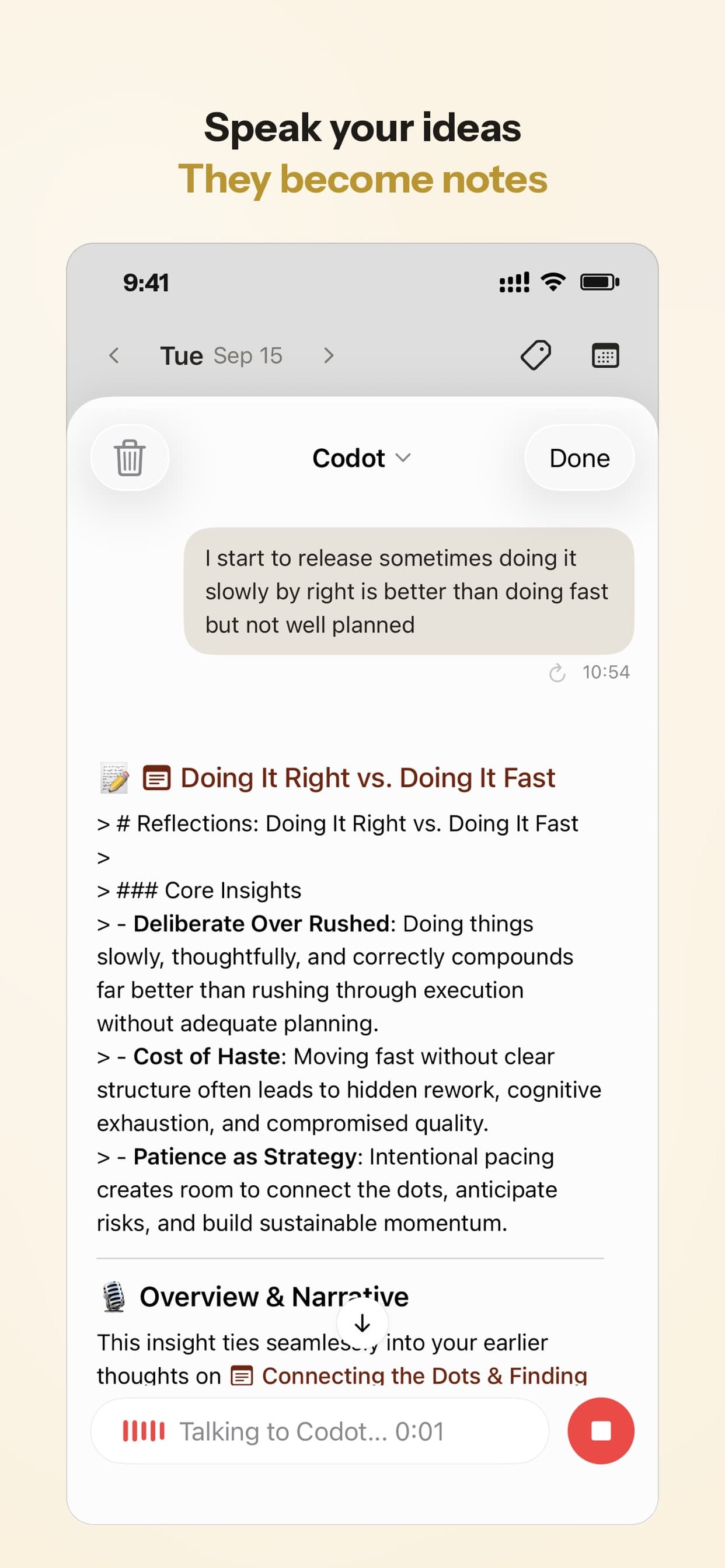
The note holds what Joan said afterward, in her own words, and her phone stayed in her bag during the public meeting.
A pattern that works: say decisions first, then action items as "who, what, by when." If a follow-up has no date in the sentence, it won't have one in the task, and it will drift.
How do you keep track of what each department head owes you?
Save each promise on that person's contact, so asking "what does Ruben owe me?" has an answer. Right after the summary, Joan adds:
"Ruben Ortiz, public works director. Owes me the Elm Street sidewalk estimate by Monday November 16. He said the contractor quote might come in two parts, concrete and ADA ramps."
Codot creates or updates Ruben's contact with his role and a note about the estimate, the date and the two-part detail. Contacts with notes are free. On Monday, when the estimate arrives, Joan says "Ruben sent the sidewalk estimate, 38,400 total, ramps are 9,100 of that." The figure goes on his contact and the task is marked done.
By January Joan has a contact for every department head. Before the budget walkthroughs she asks "What have I asked the police chief for since November?" and gets a list from her own notes.
How do you make sure a grant deadline doesn't slip?
Set two reminders the night you hear about the deadline: one early enough to act, one as a final check. Grace needs the council's letter of support for the trails grant before the December 4 deadline. Joan says:
"Remind me Friday November 20 at 9 that the trails grant support letter is due December 4, and remind me again Wednesday December 2 at 9 to confirm Grace submitted it."
Codot sets two timed reminders: Friday, November 20 at 9:00, two weeks out, and Wednesday, December 2 at 9:00, two days out. Timed reminders are a Codot Max feature. On November 20 the first one arrives on her lock screen, and she checks with Grace that the letter is on the November 24 agenda.

If Joan swipes a reminder away, Codot won't send it again, which is why the grant gets two.
Friday 3:00: how do you see every open action item from the week?
Ask for the list on a schedule, so it shows up whether or not you remember to look. Joan sets one routine that same night:
"Every Friday at 3pm, list the open action items from this week's meeting notes, with who owes each one and the due date."
Scheduled automations are Codot Max. On Friday, November 13, the list reads: Ruben, sidewalk estimate, due Monday the 16th; Grace, trails grant letter, due December 4; Pam, budget walkthroughs, no date set. The Alvarez call is already checked off from Thursday. Joan notices Pam's item has no date and says "Ask Pam on Monday when the walkthroughs are."
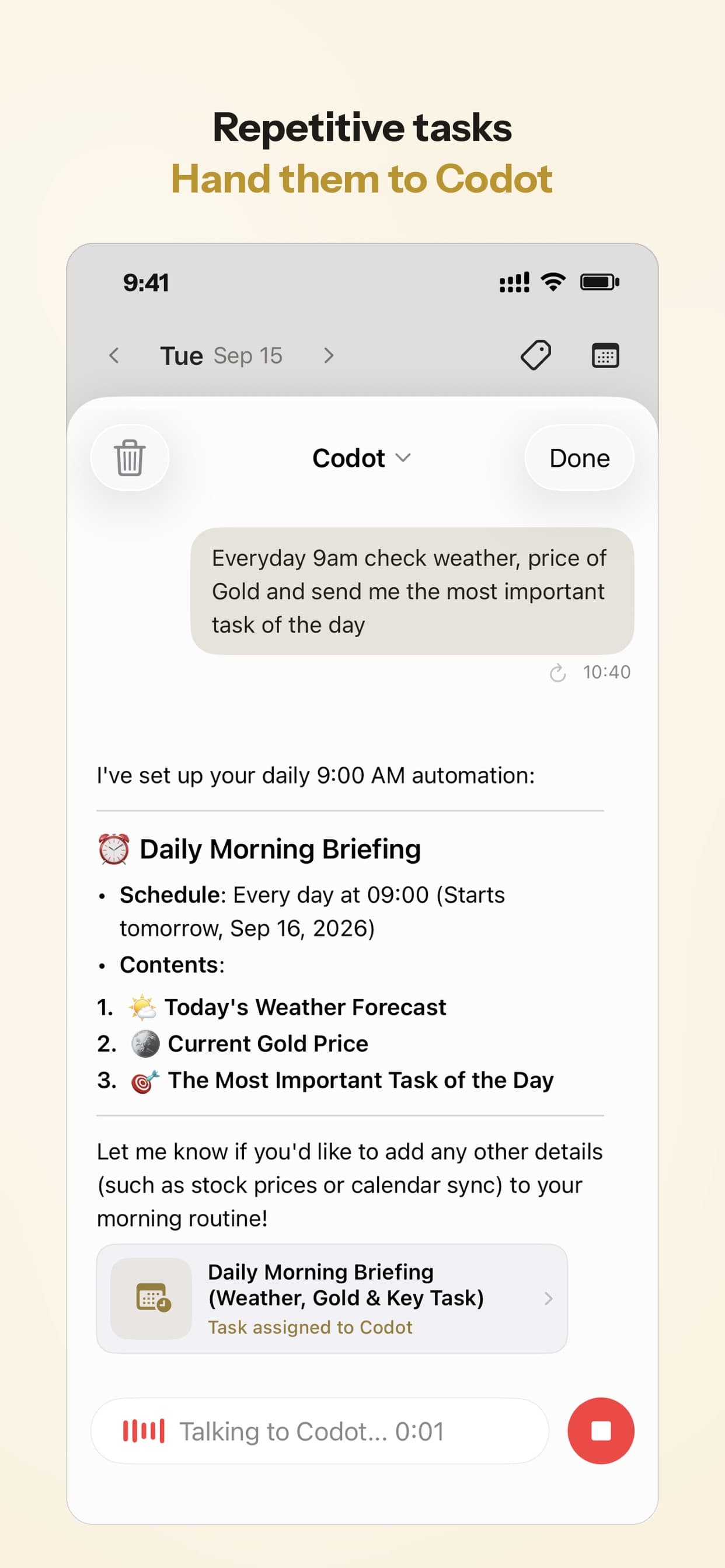
Your ideas shouldn't wait for a keyboard. Just say it — Codot handles the rest.
Can Codot email the meeting summary?
Yes. Joan says "Email me tonight's council summary" and Codot sends the note to her inbox, where she can forward it or file it. The email assistant is a Codot Max feature, and it is iPhone only.
Before sending meeting notes to other council members, ask your city secretary or city attorney; how open-meetings rules apply to email among members depends on your state.
Can you photograph the agenda or the meeting calendar instead of typing it?
Yes, Codot reads photos. At her first meeting Joan was handed the council's printed schedule of regular meetings and budget workshops for the next six months. She takes a photo and says "Add these meetings to my calendar." Codot reads the dates and adds each meeting and workshop as a calendar entry.
Are your notes the official meeting minutes?
No. Your notes are a personal tool, and the official minutes come from the clerk or city secretary under your state's open-meetings law. In Texas, the minutes must "state the subject of each deliberation" and "indicate each vote, order, decision, or other action taken" (§551.021(b)). Other states set their own rules on what minutes contain and when they are approved.
So follow your clerk's process, raise corrections when the minutes come up for approval, and don't treat a summary on your phone as the record. Ask your city attorney how your state treats a member's own notes about public business.
What is the best meeting minutes app for a council member: Codot, Otter, Fireflies or Teams recap?
Use Codot when the promises made in a meeting need tracking until they're done. It is built for what happens after the meeting: your spoken summary becomes a note, dated tasks, contact notes and reminders. Otter, Fireflies and Teams recap listen to the meeting itself and produce a transcript and AI summary.
| Tool | What it captures | Free option | Paid price (as of November 2026) | Main limit for a council member |
|---|---|---|---|---|
| Otter | Records and transcribes the meeting | Basic: 300 min a month, 30 min per conversation | Pro $16.99 per user a month, $8.33 billed annually | Basic stops at 30 minutes per conversation |
| Fireflies | Records and transcribes the meeting | Free plan with 400 min of storage | Pro $18 a seat a month, $10 billed annually | Free plan has limited AI summaries |
| Teams intelligent recap | AI notes and tasks from a Teams meeting | None | Teams Premium or Microsoft Copilot license | Only for Teams meetings, with transcription on |
| Codot | Your spoken summary, turned into tasks, contact notes and reminders | Notes, tasks, contacts, voice input | Codot Max $12.99 a month or $99.99 a year | Works from your summary, not a recording |
Sources: Otter pricing, Fireflies pricing, Microsoft Learn.
Here is how we'd choose. If your problem is the promises that leave the room with you, start with Codot. If you also want a full transcript of every word, add a recorder; in Texas, state law says a person in attendance "may record all or any part of an open meeting" (§551.023). If your board meets in Teams and your city already pays for Premium or Copilot, the recap covers the transcript side. Plenty of members would use both, a recorder for the record and Codot for the list of who owes what. Codot handles the follow-ups; the clerk's minutes remain the official record, and tasks stay on your own list until you send them to staff.
For more on voice notes and productivity, see voice notes to text on iPhone, how to capture ideas before you forget them, case notes and weekly summaries for lawyers and our guide to the best free habit tracker apps for iPhone.
How do you set this up before your next meeting?
- Install Codot on your iPhone from the App Store and connect Google Calendar or Apple Calendar.
- After the meeting, before you drive off, say the summary: decisions first, then each action item as who, what, by when.
- Add each department head you deal with as a contact, with what they owe you.
- Set the weekly sweep: "Every Friday at 3pm, list the open action items from this week's meeting notes, with who owes each one and the due date."
- For every grant or filing deadline, set two reminders at once: two weeks out and two days out.
New accounts get 7 days of Codot Max free, enough to cover one meeting and the week of follow-ups after it. When the trial ends you go back to the free plan without being charged.
The free plan covers notes, tasks, calendar entries, contacts with notes and voice input. Timed and repeating reminders, the daily briefing (made each morning at 7:00), scheduled automations like the Friday list and the email assistant need Codot Max at $12.99 a month or $99.99 a year, with 20x the free plan's usage. The daily briefing and the email assistant are iPhone only.
FAQ
What is the best meeting minutes app for a small town council member?
For follow-ups, Codot turns a spoken summary into a note with decisions, action items and dated tasks on its free plan. For a transcript, Otter or Fireflies record the meeting, with free plans and paid plans from about $8 to $18 a month as of November 2026.
Is there a free meeting minutes app?
Otter Basic (300 transcription minutes a month) and Fireflies Free both record meetings at no cost. Codot's free plan saves spoken summaries as structured notes with tasks, without recording.
What is the best meeting minutes app for Teams?
Microsoft Teams intelligent recap creates AI notes and suggested tasks after a Teams meeting; it needs a Teams Premium or Microsoft Copilot license and transcription turned on.
How do I track action items after a council meeting?
Speak a two-minute summary to Codot after the meeting, with each action item as who, what and by when. Codot turns it into a note plus a dated task per follow-up, and a Friday routine on Codot Max lists everything still open.
Are a council member's personal notes the official minutes?
No. Official minutes are kept by the clerk or city secretary under state law, such as §551.021 of the Texas Government Code. Follow your clerk's process.
If you'd like the promises from Tuesday night's meeting to be on a list by the time you reach your car, get Codot on the App Store.
Productivity & Tools Desk
This article was created with AI assistance and reviewed by our editorial team.Learn about our content process.